01 / POLISH
Sound like yourself.
On a good writing day.
Fix English grammar, punctuation, and awkward phrasing. Review a clearer version before bringing it back into your work.
I look forward to hear hearing from you.
Your AI writing space, wherever you type.
Polish grammar, translate across languages, and find the right reply on Mac, iPhone, and iPad.
I am writing to ask if you can send me the design when you have time.
01 / SMALL EDITS. BIG DIFFERENCE.
Same meaning. A clearer expression.
Explore a few everyday writing moments.
I have been work on this project since three weeks, and its almost finish.
I’ve been working on this project for three weeks, and it’s almost finished.
A smoother tense. The right preposition. Your meaning, intact.02 / ONE AIDE. MANY POSSIBILITIES.
From your first draft to your last reply.
A useful tool for each step.
Fix English grammar, punctuation, and awkward phrasing. Review a clearer version before bringing it back into your work.
Move between Chinese and English. Turn a thought in one language into a message in another.
Draft a thoughtful email or message reply. Find a starting point, then make it your own.
Look up words, save vocabulary, and learn from corrections. Return to your writing with more confidence.
LESS SECOND-GUESSING. MORE YOU.
Keep the thought. Give it the words it deserves.
03 / STAY IN YOUR FLOW.
Copy text on your Mac, open the iOS app, or switch to the optional AI keyboard.
Polish the grammar, translate a thought, or get a head start on a reply.
Review the result. Copy or insert it when it says exactly what you mean.
04 / AT HOME ON YOUR DEVICES.
An AI writing assistant for the places your words already live.
A writing workspace, menu bar shortcuts, word lookup, and custom AI actions. Review the original alongside a clearer version.
Polish, reply, translate, and learn in the app. Refine the tone, keep useful drafts, and bring AI actions into supported text fields with the keyboard.
What’s on
your mind?
Thanks for your suggestions. I’ll send you the updated plan by tomorrow.
Ready when you are. ✓YOUR WRITING. YOUR CHOICE.
Check the AI source before you start: an available local model, your own compatible service, or TypeAide Cloud. Device and app version determine which options are available.
Understand the AI optionsMEET YOUR WRITING WORKFLOW.
Choose your device, connect your AI,
and make your first piece of writing better.
A writing studio, a redesigned screenshot editor with OCR, and local models for your desktop workflow. New in 1.1.9: capture straight into the editor.
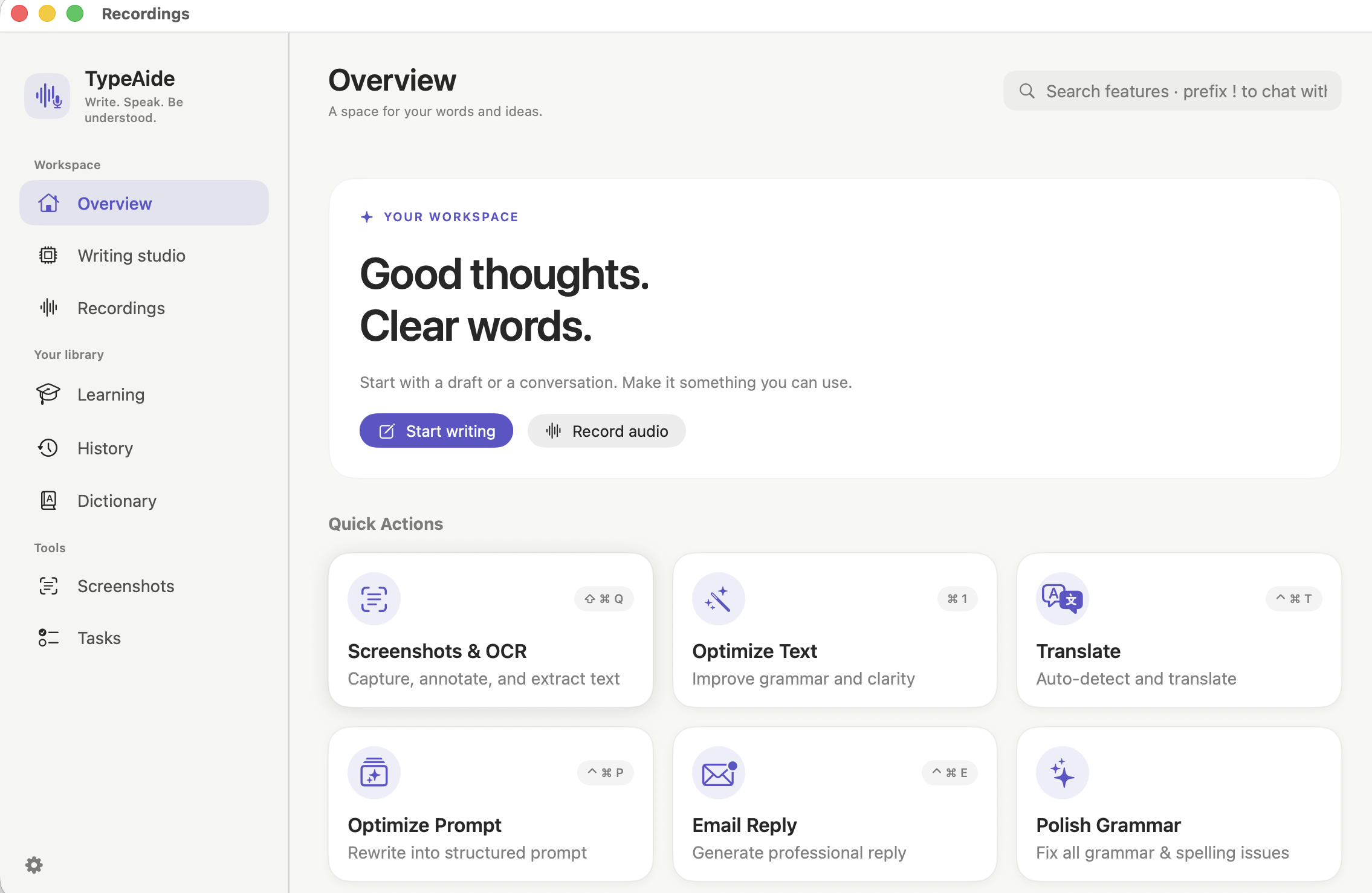 Explore the Mac app ↗▯
Compare a draft, refine its tone, and choose your preferred output language.
Explore the iOS app ↗文Set up the optional extension and review a result before inserting it.
Set up the keyboard ↗New here? Follow the first-use guide · 阅读中文介绍
TypeAide, formerly TransAide, is an AI writing assistant for Mac, iPhone, and iPad. It helps you polish English grammar, translate between Chinese and English, draft replies, look up words, and learn from corrections.
Yes. TypeAide is the new name for TransAide. Use the App Store links on this site to find the existing Mac or iOS app. Some installed versions and store listings may still show the previous name.
Copy the text you want to work on, then choose an action from the menu bar or use a keyboard shortcut. Review the result before copying it back into your email, document, or chat.
TypeAide includes an optional AI keyboard extension for polishing, translating, and replying to text. It is an AI utility panel: keep your preferred keyboard for everyday typing, and switch to TypeAide when you need an AI action.
Not for every AI source. Where supported, you can choose an on-device model or TypeAide Cloud, or connect your own compatible service with an API key. Check the AI source screen and App Store listing for current availability and charges.
The selected AI source determines processing. Local model generation runs on your device; your own service receives the text you submit to it; TypeAide Cloud uses an online service. Downloads, account features, and optional sync may still require a network connection. Review the source and its data policies before submitting sensitive content.
YOUR NEXT GREAT SENTENCE STARTS HERE.

Desktop writing, menu bar tools, and quick keyboard shortcuts.
Download for Mac ↗See features & setup →Your writing workspace for iPhone and iPad, with an optional AI keyboard.
Download for iPhone & iPad ↗See features & setup →The App Store lists current pricing and device requirements. AI source availability varies by app version.
Your own provider may charge for API usage. See the app for Cloud availability and limits.
TypeAide(原 TransAide)· Mac、iPhone 和 iPad 上的 AI 写作助手
英语语法润色 · 中英翻译 · 智能回复 · 单词学习